Preferences & Purposes reports dashboard

circle-check

The Preferences & Purposes dashboard in Didomi PMP analytics enables your organization to view detailed information for purpose and preference selections across multiple dimensions (e.g. device type, country, etc...). In this article, we will provide a brief overview of the data and visualizations found in the Preferences and Purposes dashboard.

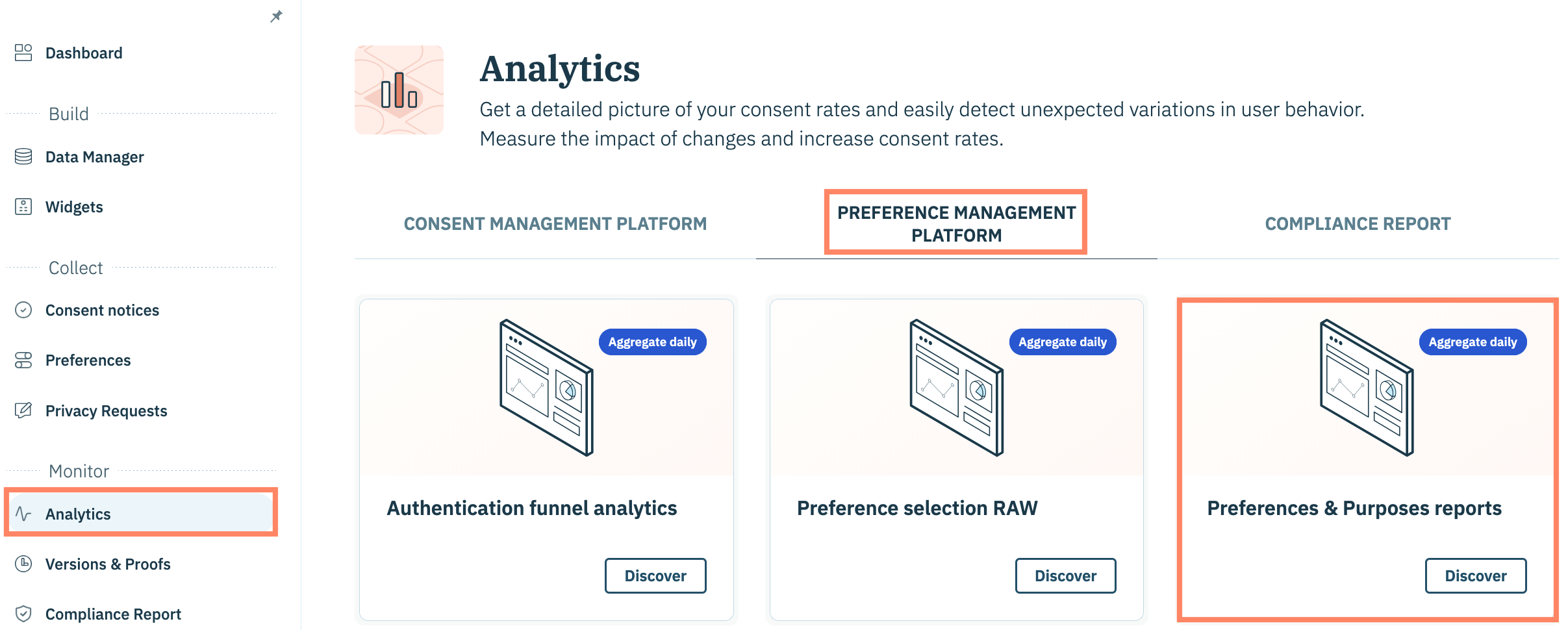
To start, click Analytics on the left-hand panel and select the Preference Management Platform tab.

Click the Preferences & Purposes reports card on the subsequent page.


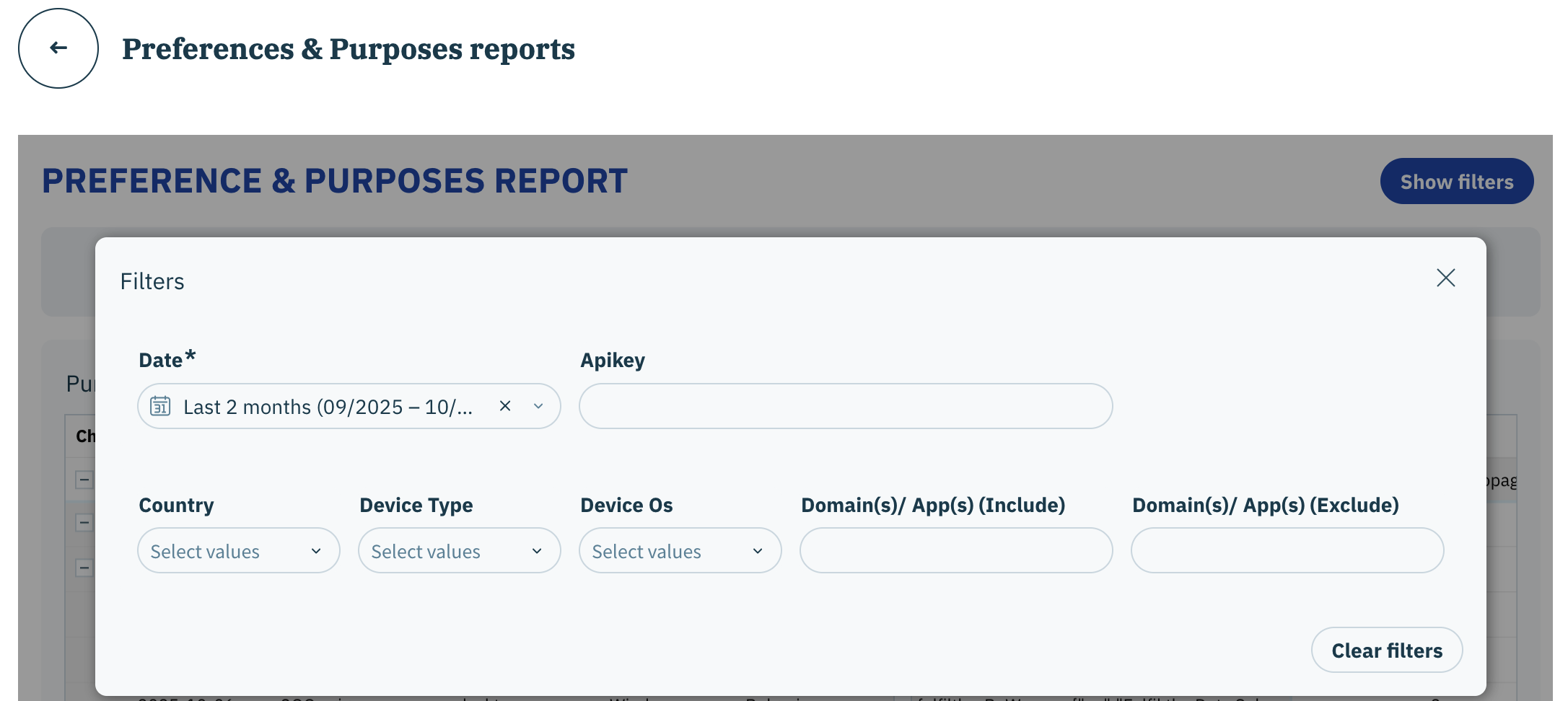
Preferences & Purposes reports dashboard filters

The following filters are available for the Preference selection RAW dashboard:

  • Date

  • Apikey

  • User Country

  • Device Type

  • Device Os

  • Domain(s)/ App(s) (Include)

  • Domain(s)/ App(s) (Exclude)

circle-info

Click here for more information on each available filter.

Preferences & Purposes reports data and visualizations

The following tables and visualizations are available for the Preferences & Purposes reports dashboard:

circle-info

Review the Didomi PMP metric glossary for more information on metrics found in the dashboards.

Table
Description

Purpose selection report

View detailed purpose selections for each purpose configured in your preferences widgets

Preference selection report

View detailed preference selections for each preference configured in your preferences widgets

Last updated