
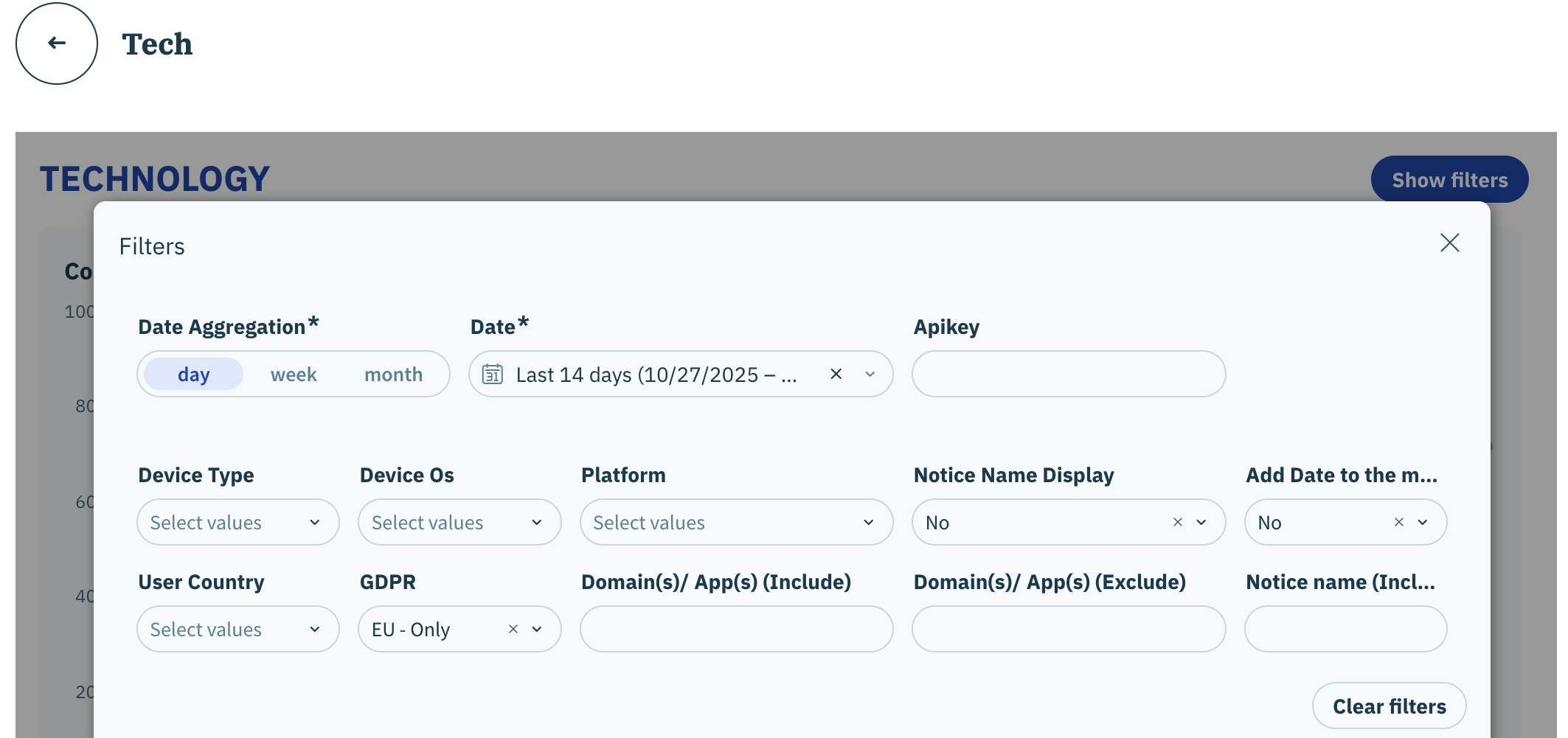
| Table/Visualization | Description |
|---|---|
| Consent Rate per Technology | For each technology, represents percentage of end-users who have given consent (opt-in) over all the users that have replied with a choice (opt-in or opt-out) to the consent notice in the configured periodization. |
| Consent Rate per SDK | For each of the Didomi SDKs (web, mobile, ctv), represents the trend of end-user's (by percentage) who have given consent (opt-in) over all the users that have replied with a choice (opt-in or opt-out) to the consent notice in the configured periodization. Note: Intervals on the line graph will be based on your selected date aggregation. |
| Consent and Personalization Overview (SDK) | View individual CMP notice scope metrics such as no choice rate, purposes personalization rate, etc... for each of the Didomi SDKs (web, mobile, ctv). |
| Consent Rate per Device Type | For different device types (desktop, tablet, smartphone, television), represents the trend of end-user's (by percentage) who have given consent (opt-in) over all the users that have replied with a choice (opt-in or opt-out) to the consent notice in the configured periodization. Note: Intervals on the line graph will be based on your selected date aggregation. |
| Consent and Personalization Overview (Device) | View individual CMP notice scope metrics such as no choice rate, purposes personalization rate, etc... for each device type |
| Consent Rate per OS Type | For different operating systems, represents the trend of end-user's (by percentage) who have given consent (opt-in) over all the users that have replied with a choice (opt-in or opt-out) to the consent notice in the configured periodization. Note: Intervals on the line graph will be based on your selected date aggregation. |
| Consent and Personalization Overview (OS) | View individual CMP notice scope metrics such as no choice rate, purposes personalization rate, etc... for each operating system |
| Consent Rate per Browser Type | For different browsers, represents the trend of end-user's (by percentage) who have given consent (opt-in) over all the users that have replied with a choice (opt-in or opt-out) to the consent notice in the configured periodization. Note: Intervals on the line graph will be based on your selected date aggregation. |
| Consent and Personalization Overview (Browser Type) | View individual CMP notice scope metrics such as no choice rate, purposes personalization rate, etc... for each browser |